



Tesorcasino Mobile Platform
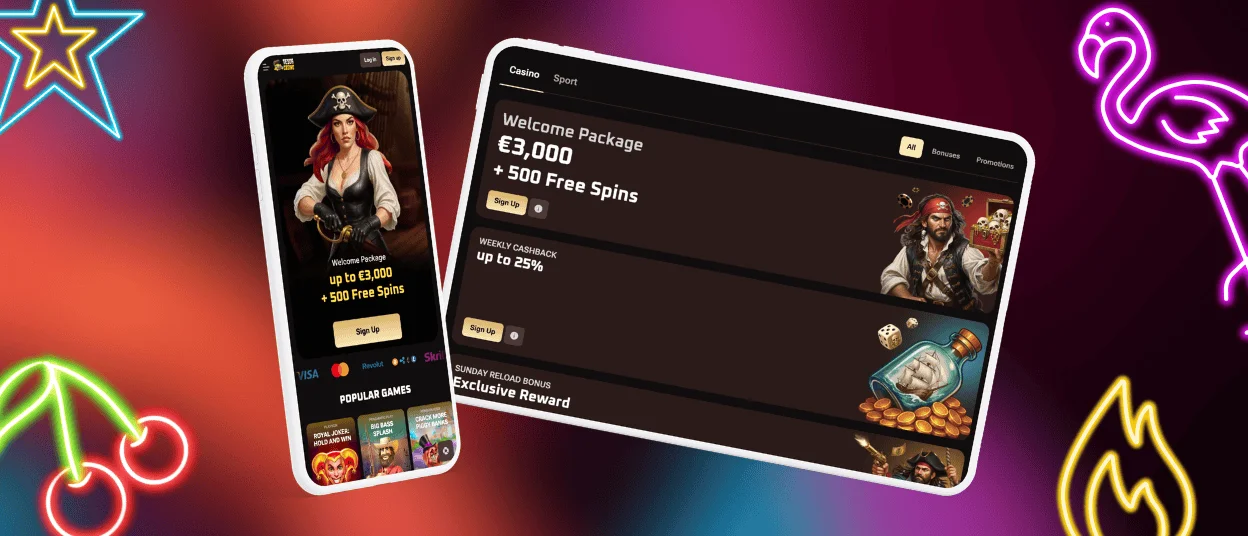
The Tesorcasino app will make your experience way more convenient, as it is compatible with all modern devices and allows you to play on the go. No matter if you have an Android or iOS phone, you’ll get fast loading and smooth gameplay. All functions, design and navigation will be familiar to you, as they reflect the main PC website. The installation can be done quickly, straight from our website.



Tesorcasino App – Main Features
More than half of our clients prefer to use their mobile devices to play at Tesor Casino. That’s not a surprise, as in the modern world, people prefer to be flexible and stay online no matter when and where they are. We offer two convenient options for all our clients: the mobile browser version and the Tesorcasino app. Below, users will find an overview of what to expect from the mobile software.
| Feature | What it means |
| Mobile-optimized interface | Clear layout adapted to smaller screens for easy navigation |
| Fast game loading | Reduced waiting time before and between rounds |
| Stable performance | Smooth gameplay with minimal lag or interruptions |
| Touch-responsive controls | Accurate tapping and scrolling without delay |
| Secure mobile sessions | Encrypted connection and protected login process |
| Automatic updates | Always access the latest version without manual downloads |
Safety of Your Data
Your security stays in the first place for us when you’re using the mobile version or the application. To block suspicious traffic and bots in the mobile environment, we use web application firewalls (WAFs). We permanently monitor the activity on our platform to prevent fraud.
Players can contact our support team 24/7 with questions about safety and other topics. In the Tesor Casino app, there’s a built-in live chat where you can get a reply within a few minutes.
Playing on Android with Smooth Gameplay
By playing on Android at Tesorcasino, users get a fast, stable and fully optimized gaming environment. It is designed specifically for mobile performance. Our platform supports all modern versions of Android. The software was developed to minimize loading times and reduce data consumption.
The touch controls in the Tesor Casino mobile version were created for accuracy. They enable you to place bets, spin the reels and cash out without delay. All background processes are optimized to keep your session stable even during longer gameplay.
If you want to install our application without any issues, just follow the guide below:
- Open the Tesorcasino website in your preferred mobile browser.
- If it’s Chrome, click the “More” button in the address bar.
- Users must choose “Add to home screen” from the list.
- You can customize the icon by editing its name and appearance.
- To submit your actions, simply tap “Add”.
Mobile Application for iOS
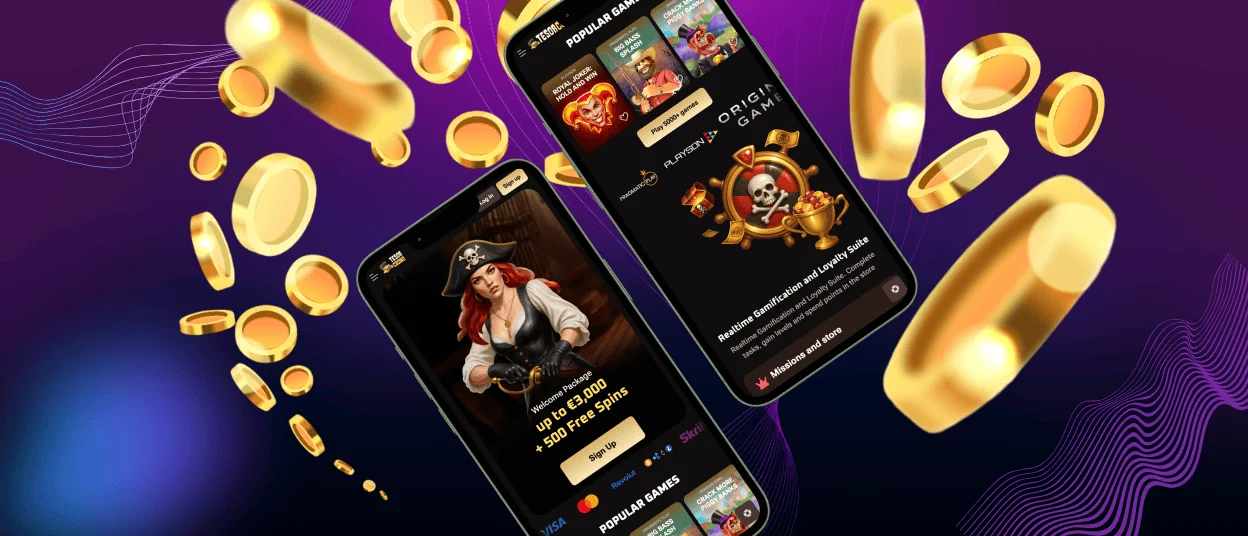
All our iOS players can get quick access to our mobile casino by using any browser on their smartphones and tablets. All games, including online slots, table games and live casino titles, will optimize to your screen size and resolution. There are no limitations, as all features will be available on your device.
You can choose from the browser version or the dedicated Tesorcasino app. Both will allow you to register, access your account, make deposits, play for real money and withdraw winnings in the end. It’s only up to you which option to choose. Players can even combine them by using the same Tesor Casino account.
Installation Instructions
If you decide to have more personalized gameplay from your iPhone or iPad, then you’ll need to install our mobile software. It uses only cached data, so users don’t have to worry about their device storage. To install the Tesorcasino app, just follow the instructions below:
- Go to the main menu of our website. It is located on the left side of the casino lobby.
- Users should click the “Casino app” button at the end of the menu.
- You will be redirected to a new page, where you have to tap “Install”.
- Within a minute, the Tesorcasino brand icon will appear on your home screen.
Tesor Casino Options for Windows and macOS
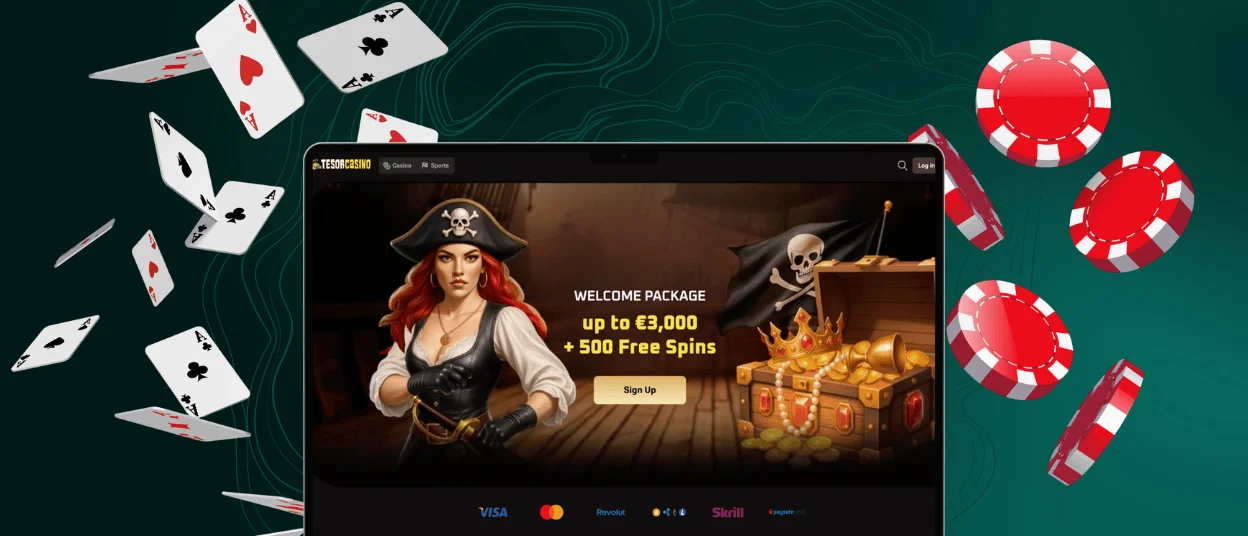
You can get a seamless experience by playing at Tesorcasino from your PC or laptop. Users don’t have to install any additional software. Our website is available in any modern browser. To get access to all the available features, log in to your account and start playing.
If you want to access our website in one click, there is an option to install a shortcut icon on your desktop home screen. To do that, you need to go to the page settings of your browser. If you encounter any problems installing the Tesor Casino icon, contact our support team via live chat or email.
FAQ
Would it be possible to play live casino games on a smartphone?
The whole game collection with over 6,000 titles is available on your smartphone or tablet. It also includes the live casino games. Tesorcasino uses special touch-control functionalities to make your gaming experience convenient on any device.
Can I complete the registration process in the Tesorcasino app?
If you’re new to our online casino and decide to start your journey with the app, you can easily complete the registration there. The process is standard and requires only your email and password. Before making your first withdrawal, we’ll ask you to complete a simple verification process.
How will I know that the mobile software needs an update?
The Tesor Casino PWA updates automatically, with no additional action required on your part. We always inform our users about any changes on the platform via push notifications and email.


